Quicklook Content
Car dealership social media powered by your inventory.
Quicklook Content turns your website photos into photorealistic AI videos and social posts for your connected accounts. Review before publishing, or choose autopilot. No inventory feed required.
7 days, 1 video and 5 images. Card required. Cancel before day 7 and pay nothing.
A 16-second Quicklook Content ad with sound. It shows a white Chevrolet Corvette, a black GMC SUV, a purple Dodge coupe, and a black Cadillac Escalade. On-screen words say the video was made from listing photos already on the website, then Quicklook Content, videos and posts automatically, and a 7-day trial at content.quicklook.dev.
Keep your dealership visible while your team runs the store.
Your inventory already has a photo shoot: the one your team does for your website. Turn that work into social content that puts more vehicles in front of shoppers on Instagram, TikTok, YouTube, Facebook, and other connected platforms.
Use Quicklook Content for car dealerships to build a regular posting schedule, choose the vehicles you want to feature, and review the finished content in one workflow. Daily website checks keep new arrivals and removed listings in step with your source inventory.
How it works
From dealership website photos to published social posts.
Create dealership social media content from the inventory you already photograph. Connect your website, choose your publishing approach, and put those photos to work across your social accounts.
01
Connect your dealership website
Quicklook Content reads the vehicles and photos already online. Daily website checks bring new arrivals and listing changes into the content flow, with no inventory feed to install.
02
Create AI vehicle videos and images
Your existing photos become photorealistic AI videos and promotional images. Original music is created for each video, giving your dealership a finished piece of content to review.
03
Prepare each platform’s post
Captions, titles, hashtags, links, and other supported fields are written for the connected platform. Your team gets a post suited to the network receiving it.
04
Approve or publish automatically
Review is the default, so you approve the content before it goes live. Turn on optional autopilot to publish on your schedule, or select specific vehicles you want to feature.
What your dealership gets
More vehicle content from the photos you already have.
Showcase your vehicles with AI video, promotional images, and original music. Watch finished examples on the Quicklook Content website to see what the product creates from dealership photos.
Photorealistic AI vehicle videos
Showcase more inventory without scheduling a film crew for every vehicle. Choose Daily video for steady posting or Signature video for units that deserve more detail and realism.
Promotional images
Turn your website photography into professional images for your dealership’s social posts. Give your team more ways to feature a vehicle using the photos it already has.
Original music for your videos
Each vehicle video includes original music created for the post. The soundtrack is part of the finished content your team reviews.
Platform-specific copy and publishing
Keep your connected accounts active with posts written for each platform. Review the media and writing together, then publish to the accounts you choose.
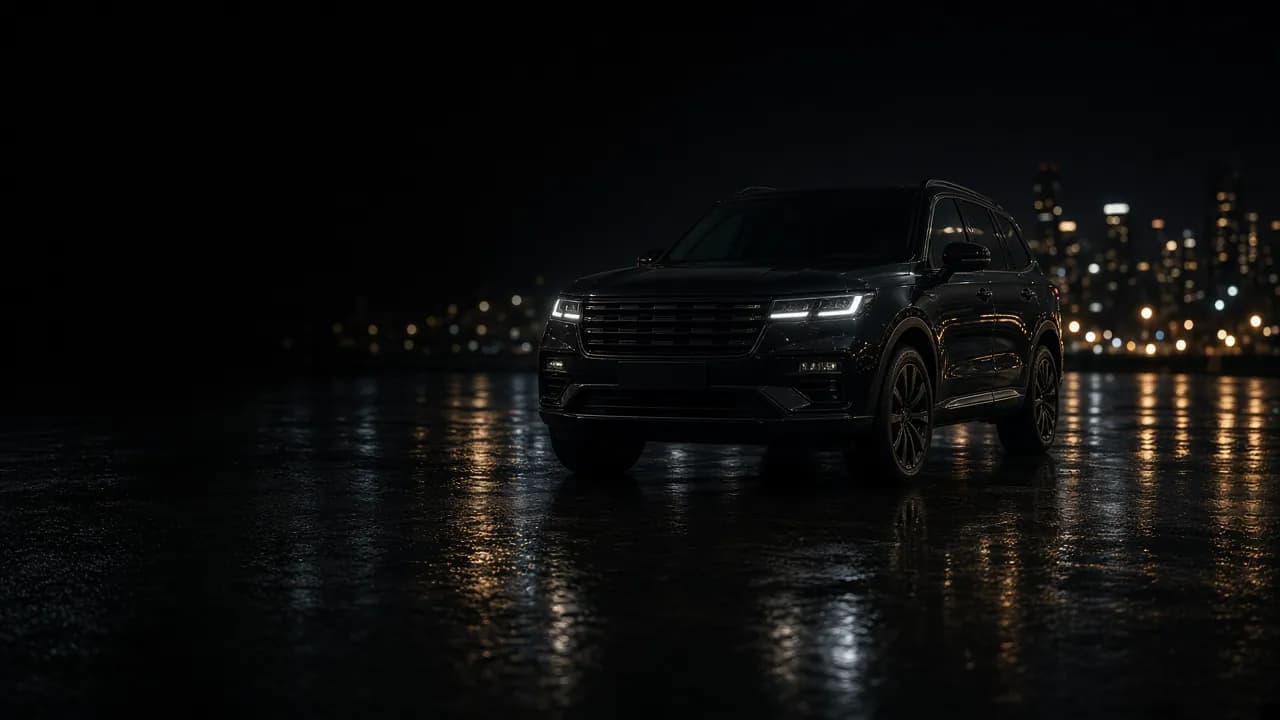
Keep your social content moving with your inventory.
Feature a new arrival, promote a specific unit, or let your content schedule draw from the vehicles on your website. Daily checks bring new inventory into the flow and stop removed listings from being selected as fresh stock.
Connected social platforms
Bring your dealership’s inventory to your social accounts.
Publish videos to connected Instagram, TikTok, YouTube, and Facebook accounts, and promotional images to Google Business Profile. Each platform gets writing suited to its supported post fields.
Create vehicle videos for Reels and promotional images for your feed. Platform-specific writing gives shoppers a clear introduction to the vehicles your dealership wants to feature.
TikTok
Turn your inventory photos into vertical AI videos ready for your connected TikTok account. Your team can keep creating content as new vehicles arrive.
YouTube
Publish vehicle videos to your connected YouTube account with titles and descriptions prepared for that platform. Give shoppers another way to discover your inventory.
Keep your dealership’s Facebook page active with vehicle videos, promotional images, and copy shaped for the post. Feature the units you select or draw from your current inventory schedule.
Google Business Profile
Publish promotional images to your connected Google Business Profile. Bring inventory content to another place shoppers can discover your dealership.
More connected platforms
Connect LinkedIn, Threads, Pinterest, Snapchat, Telegram, Reddit, and Bluesky. X is available as an add-on and is included with Always On. Supported media and post fields vary by platform.
Start online with your existing dealership website.
Start your trial on the Quicklook Content dealership page. Connect your website and the accounts you want to publish to, then review your first posts. Your team can get started without arranging an inventory feed.
Choose which vehicles to feature and how you want to publish. Review comes first, and optional autopilot lets you build a publishing schedule that suits your dealership.
Social media content for independent car dealerships.
Put more of your inventory on social media without adding a video shoot for every unit. Quicklook Content uses the photos on your website, so the content starts with work your team already does.
Select vehicles you want to promote and approve the media and copy before publishing. Choose a plan that fits the posting pace you want for your store.
Social content for franchise stores and dealer groups.
Give your marketing team a repeatable way to turn website vehicle photos into finished social posts. Feature the inventory you want to promote and review the content before it reaches the accounts you connect.
Higher tiers are available for campaign pace and multi-rooftop portfolios. Compare plans on Quicklook Content to choose the video and image volume that fits your stores.
Choose a social content plan for your dealership.
Start with the number of finished videos and images your dealership wants each month. Higher tiers are available for campaign pace and multi-rooftop portfolios. Full plan details and add-ons are on the Quicklook Content website.
Launch
$249/mo
10 videos and 100 images each month.
Growth
$749/mo
30 videos and 300 images each month.
Signature
$999/mo
12 videos and 250 images each month.
7 days, 1 video and 5 images. Card required. Cancel before day 7 and pay nothing.
Car dealership social media FAQs.
What is dealership social media automation?
Quicklook Content turns the vehicle photos already on your dealership website into photorealistic AI videos, promotional images, original music, and posts written for each connected platform. Review the content or enable automatic publishing on your schedule.
Do we need an inventory feed or a DMS connection?
No inventory feed is required. Quicklook Content reads your public dealership website and checks it daily for vehicles and photos. You can start with the website you already have.
Can we review posts before they publish?
Yes. Every workspace starts in review mode. Your team approves the media and copy before publishing. Autopilot is optional when you want posts to publish automatically.
Can we post inventory to Instagram Reels and TikTok automatically?
Yes. Connect your accounts and Quicklook Content can prepare vertical videos for Instagram Reels and TikTok, then publish on your schedule. You choose whether to approve posts first or enable autopilot.
Do we have to film vehicle walkarounds?
No. Videos start with the vehicle photos already on your dealership website. Vehicles without usable photos are skipped, so your team can create social content without filming every unit on the lot.
Which social platforms can our dealership connect?
Instagram, TikTok, YouTube, Facebook, LinkedIn, Threads, Pinterest, Google Business Profile, Snapchat, Telegram, Reddit, and Bluesky are supported. X is available as an add-on and included with Always On. Each network is authorized through its own sign-in.
What happens when a vehicle sells?
Quicklook Content checks your website every day. Vehicles removed from the website stop being selected as fresh inventory, and new arrivals can enter the content schedule. Keeping your website current helps keep the source inventory current.
What is the difference between Daily and Signature AI video?
Both create sixteen-second vehicle videos from your photos. Daily is designed for steady posting. Signature puts more emphasis on photorealism, vehicle consistency, and fine detail. An optional Enhanced 60fps upgrade is available for both.
How does the Quicklook Content trial work?
The trial lasts 7 days and includes 1 video and 5 images. A card is required; cancel before day 7 and pay nothing. Trial videos use the sixteen-second Daily grade, including when you choose a Signature plan. Signature video begins with the paid subscription.
How do we get started?
Sign up directly on the Quicklook Content dealership page. Connect your dealership website and the social accounts you want to publish to, then review your content. Plans and signup are available online.
Connect your social content to your dealership’s marketing.
Car dealership paid advertising
Reach more shoppers with custom Meta, Google Ads, and Bing campaigns for sales and service.
Dealership website redesign
Improve the website experience shoppers reach from your social accounts.
Custom dealership mobile apps
Give customers a new way to connect with your business through an iOS and Android app.

Quicklook Content
Turn your next vehicle into your next social post.
Start with your dealership website and the photos already online. Create photorealistic AI videos, images, and posts for the accounts you connect, with review first and optional automatic publishing.